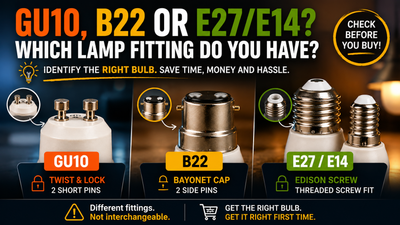
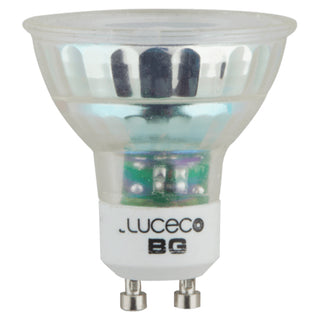
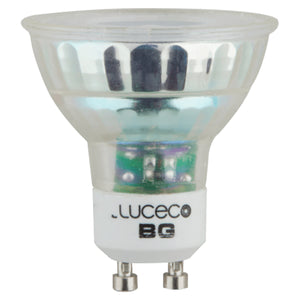
A customer fitted six smart colour-changing bulbs in a Bristol flat and every one of them flickered on the lowest dimmer setting. The bulbs weren't faulty. The dimmer was the problem.
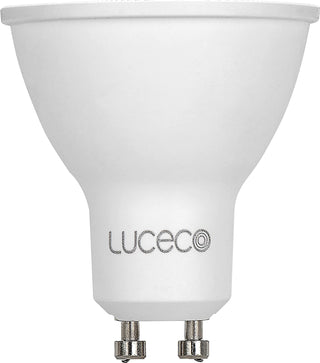
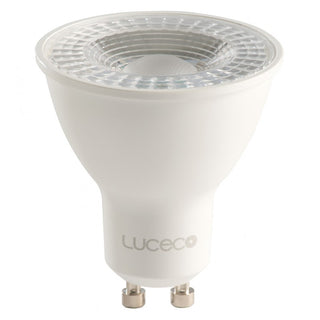
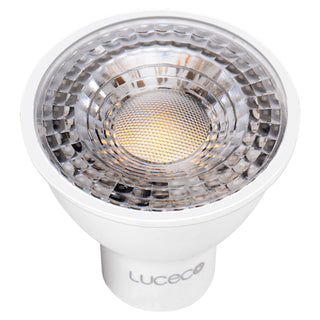
Smart GU10 bulbs like the Luceco SLGUCC5W35 have their own onboard dimming circuit, controlled by an app or voice assistant rather than a wall switch. Fitting one behind a physical dimmer switch means two dimming systems fighting each other, which causes flickering, buzzing, or the smart features failing outright. Smart bulbs need a standard on/off switch, not a dimmer.
Why Does a Smart Bulb Fight With a Dimmer Switch?
A standard trailing-edge or leading-edge dimmer works by cutting part of the mains sine wave, reducing the average voltage reaching the bulb. A conventional dimmable LED expects this and adjusts its brightness accordingly. A smart bulb is different: it takes a full, undimmed mains supply and does its own dimming internally, via a driver chip controlled by the BG Home app, voice assistant, or a schedule.
Put a physical dimmer in front of a smart bulb and you get two systems trying to control the same thing. The dimmer is cutting the wave the smart bulb needs intact to read its own commands properly, which is why the result is flickering, an audible buzz, or the smart features simply not responding at the wall.
What Switch Does a Smart Bulb Actually Need?
| Switch Type | Works With Smart Bulbs? | Why |
|---|---|---|
| Standard on/off rocker switch | Yes | Delivers full, undimmed mains, exactly what the smart bulb's internal driver expects |
| Trailing or leading-edge dimmer | No | Cuts the mains wave, conflicting with the bulb's own onboard dimming |
| Smart dimmer switch (app-controlled) | Sometimes, check compatibility | Can work if it passes full power and only sends a digital signal, but many still physically dim |
Our honest take: if a room is going to run smart bulbs, replace the existing dimmer with a standard switch first. Trying to keep the old dimmer "just in case" is the single most common reason these installs go wrong.
Smart GU10 vs Standard Dimmable GU10: Which Actually Suits the Room?
App and voice controlled, full colour temperature range from one bulb. Needs a standard switch, not a dimmer. Best for a room where lighting scenes and remote control matter more than a physical dial.
Works with a conventional trailing-edge dimmer switch on the wall, no app required. The straightforward choice for a hallway or landing where nobody wants to reach for a phone to adjust the light.
Rewiring a room for smart lighting? Swap the dimmer for a standard switch first, then fit the bulb.
Browse Standard Light Switches →Fitting a Smart Bulb: What to Check First
Confirm the existing switch is a plain on/off type before fitting a smart bulb, not a dimmer left over from the room's previous lighting. Swapping a dimmer for a standard switch is straightforward retrofit work, but remains notifiable under Part P of the Building Regulations if it involves any new wiring rather than a like-for-like switch swap.
Price reality check: a Luceco smart GU10 bulb currently runs around £10 to £11, compared to under £5 for a standard dimmable equivalent. The premium buys app control and colour change, not compatibility with an existing dimmer, so budget for a switch swap alongside the bulb cost if the room currently has a dimmer fitted.
Get the Switch Right Before the Bulb Goes In
Luceco smart and standard GU10 bulbs, trade priced, in stock now.
Shop LED Bulbs →